
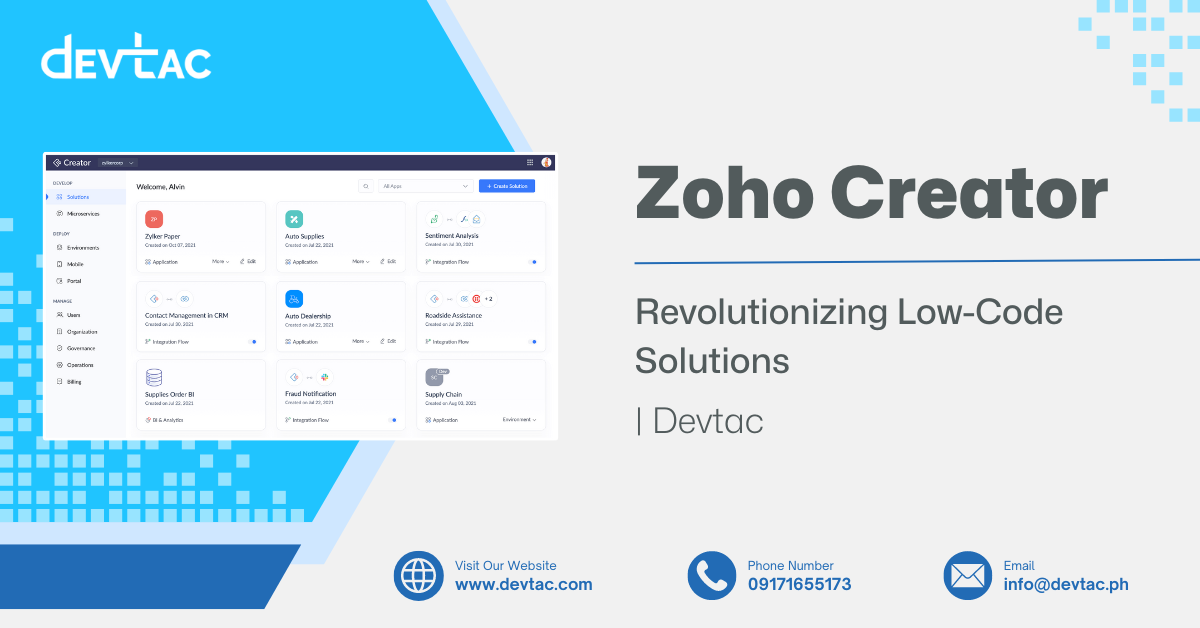
IT software solutions like applications are usually done with coding, but do you know how to do it? It’s possible to do it without being a coder and without any IT experience, all thanks to Zoho Creator! It is a low-code application development platform that allows you to design, build, and maintain applications based on your organization’s needs.
Moreover, it has recently become a significant player in the IT industry because it has revolutionized how businesses approach application development.
In this article, we’ll talk about the role of Zoho Creator in low-code platforms.
Low-Code vs. Traditional Development
Traditional software development relied on manual coding by expert programmers, often taking months or years to build and deploy apps amid complex testing and maintenance cycles. This labor-intensive process created IT bottlenecks, increased costs, and delays for businesses seeking rapid solutions.
Low-code development, such as Zoho Creator’s drag-and-drop model, revolutionizes this by empowering non-technical users to build apps quickly through visual interfaces.
Here are the key differences between traditional and low-code development:
| Aspect | Low Code | Traditional |
| Development Speed | 5-10x faster; apps built in days/weeks via drag-and-drop | Months/years due to coding, testing cycles |
| Cost Savings | 40-70% lower; reduces developers needed by 70% | High; labor-intensive with specialist teams |
| Customization | Flexible via modules; pro-code extensions available | Full control but complex and error-prone |
| Skills Required | Citizen developers; minimal coding | Expert programmers in languages like Java |
| Maintenance | Platform-handled updates; agile changes | Manual fixes; dedicated teams ongoing |
| Scalability | Good for standard apps; limits on ultra-complex | Highly scalable for custom enterprise needs |
This contrast suits Zoho Creator’s rapid app development in business settings.
The Evolution of Low-Code Platforms
The rapid evolution of technology has resulted in a demand for more agile development processes, leading to the rise of low-code platforms. These platforms allow developers to produce new applications with little to no coding knowledge and experience, thus making software development more accessible for businesses.
- Market Trends: The need for quicker digital transformation and the shortage of skilled developers fuels the demand for low-code platforms. According to industry insights and reports, the low-code market is expected to experience significant growth in the near future.
In addition, plenty of low-code platforms are utilizing AI to produce applications faster.
- Advantages:
- Reduced development time – Allows businesses to focus more on marketing and other aspects of the businesses
- Fast rendering
- Enhances business agility – Allows non-technical users to build and adjust applications tailored to their needs
How Zoho Creator Revolutionizes Low-Code Solutions
Zoho Creator stands out among its competitors in the low-code solutions market because of its following features:
Built-in Application Templates
Zoho Creator has pre-set templates to make building applications for your business easier! These templates serve as a starting point, allowing users to quickly set up functional apps without building from scratch.
For businesses, Zoho Creator’s rapid app development means faster time-to-deployment. Teams can focus more on refining the application for their needs rather than spending weeks on basic setup. It also lowers the barrier for non-developers to get started with app building.

Drag-and-Drop Builder
Zoho Creator drag-and-drop builder makes application design more accessible and accelerates development. It allows users to build forms, dashboards, and workflows visually. You don’t need to know how to code to structure your application—just select the elements you need and place them where you want.
This accelerates development and empowers business users and teams to participate in app creation without relying solely on IT. It also reduces costs associated with external development or technical debt from overcomplicated tools.
REST API Support
Zoho Creator supports Rest API, which enables third-party apps to access data built with Zoho Creator. Using APIs and webhooks, Creator apps can push and pull data from tools like Zoho CRM, Zoho Books, payment gateways, ERPs, marketing platforms, and even legacy systems.
Beyond integrations, Zoho Creator applications are automatically deployable across web and mobile platforms, with native iOS and Android app support. Businesses can also host apps on custom domains or deploy them within their own cloud environments for added control and branding.
This flexibility ensures your applications are not siloed. Instead, they become part of a connected digital ecosystem that works wherever your team does.
Customization With Deluge Scripting
Deluge (Data Enriched Language for the Universal Grid Environment) is Zoho’s proprietary scripting language. It allows developers to build custom logic, automate tasks, and integrate with other services within their Zoho Creator applications.
This gives businesses the power to tailor applications to unique workflows and business rules. Whether it’s auto-generating invoices, validating inputs, or triggering custom alerts, Deluge scripting provides the flexibility needed for deeper functionality.
Seamless Integration
Zoho Creator can integrate with other Zoho products like Zoho CRM and third-party applications. This is made possible through different APIs and webhooks. You can pull in data, trigger updates, or sync information automatically.
Smooth integrations reduce duplication of work, avoid data entry errors, and create a unified digital environment. It’s especially beneficial for scaling businesses looking to centralize data and workflows across departments.
Scalability and Security
The Zoho Creator low-code platform is built to grow with your business. It can handle increased user traffic, larger datasets, and more complex workflows. Security features include role-based access control, audit logs, encryption, and data backups.
As your business expands, your software must keep up. Zoho Creator ensures performance isn’t compromised, while enterprise-grade security protects sensitive information and ensures compliance with data privacy standards.
Payment Integration
Zoho Creator supports integration with popular payment gateways like Razorpay, Stripe, and PayPal. This allows businesses to embed secure payment options directly into their apps.
Enabling direct payments improves customer convenience and increases conversion rates. It also simplifies accounting workflows by linking payment data with app records.
Focus on User Experience
Zoho Creator AI features are user-friendly and customizable. Developers can design responsive interfaces, simplify navigation, and personalize content based on user roles.
Prioritizing user experience leads to better adoption, fewer errors, and higher satisfaction from both customers and internal teams. It makes digital transformation truly effective.

Who Can Benefit from Zoho Creator: Use Cases by Industry
Zoho Creator is not just for developers; it’s built for real business challenges across a wide range of industries. Below are practical use cases that show how businesses can benefit from Zoho Creator’s no-code/low-code platform:
-
Small and Medium Enterprises (SMEs) – Simple CRM and Lead Tracking
SMEs that can’t afford complex CRM software can build lightweight custom CRM apps in Zoho Creator. Track leads, automate follow-ups, and centralize client information—without breaking the budget or relying on multiple tools.
-
Construction and Real Estate – Project Monitoring and Equipment Logs
Build apps to track construction timelines, log safety inspections, manage site inventories, and handle contractor documentation. Zoho Creator helps teams access critical project info in real time, whether they’re onsite or in the office.
-
Retail and eCommerce – Inventory and Sales Management
Create barcode-scanning inventory apps, manage product databases, or sync order fulfillment with payment systems. Retailers can build tools tailored to their product lines, warehouse operations, and customer service goals.
-
Manufacturing – Custom ERP for Production and Supply Chain
Zoho Creator enables manufacturers to build mini-ERP systems tailored to production tracking, supplier coordination, and parts inventory. Integrate modules such as procurement, quality control, and shipping into a single dashboard.
-
Healthcare – Appointment Scheduling and Patient Intake
Clinics and healthcare providers can use Zoho Creator to manage patient records, schedule appointments, and collect digital consent forms. Apps can be secured with role-based access to comply with privacy laws.
-
Human Resources – Employee Management and Onboarding
Automate recruitment workflows, leave requests, performance reviews, and employee databases. Zoho Creator lets HR teams build apps that match internal policies—no need to settle for off-the-shelf software.
-
Education – Enrollment and E-Learning Portals
Educational institutions can use Zoho Creator for student registration, class schedules, e-learning content, and exam result tracking. These apps can integrate with Zoho Forms, Zoho Analytics, or third-party learning platforms.
-
Financial Services – Loan Processing and Client Portals
Banks, cooperatives, and fintech firms can design secure apps for loan application tracking, client KYC management, and internal compliance workflows—all with end-to-end data encryption and audit trails.
What to Consider: Limitations, Mitigations, and Best Practice
While Zoho Creator offers impressive benefits for building business apps quickly, it’s important to know its limitations and how to work around them. Here are a few key considerations to help you decide whether Zoho Creator is the right tool for your project or if full custom development is better.
Platform Limitations
- Advanced UI/UX Constraints: Zoho Creator apps prioritize function over flash. While you can customize layouts, themes, and forms, the UI may not match the pixel-perfect designs possible in custom-coded apps.
- Complex Logic and Performance Limits: For ultra-complex apps with heavy real-time processing or advanced algorithms, performance may be constrained compared with fully coded systems.
Mitigations and Workarounds
- Extend with APIs: Use Zoho Creator’s REST API support to link to more advanced front-ends or heavy-lifting backend services. This hybrid approach balances speed and performance.
- Leverage Devtac’s Expertise: As a Zoho Premium Partner, Devtac helps configure your app for peak performance, optimize Deluge scripts, and integrate Creator with your broader systems.
- Modularize: Break large apps into smaller, modular apps to avoid hitting execution limits. Zoho Creator’s platform is designed to work best with task-specific tools that share data across modules.
When to Use Zoho Creator vs. Full Custom Development
Choosing between Zoho Creator and custom development depends on your timeline, budget, complexity, and required level of control.
| Scenario | Recommended Approach |
| You need to launch fast and iterate based on user feedback | Zoho Creator |
| Your internal workflows are standard but scattered across tools | Zoho Creator |
| You need to integrate with Zoho CRM, Books, or other Zoho apps | Zoho Creator |
| Your app must work offline, across devices, and scale quickly | Zoho Creator |
| You need a fully branded consumer-facing app with a unique UI | Full Custom Development |
| Your system requires custom-built AI/ML models or high-load processing | Full Custom Development |
Zoho Creator and Other IT Solutions With Devtac
Getting Zoho Creator will be one of the best things you can do for your business operations. It offers competitive pricing and features that can save time and increase productivity, which different organizations and industries besides IT can benefit from. And most importantly, it is reshaping how businesses approach digital transformation.
Are you excited to experience Zoho Creator’s revolutionary features? Devtac is your one-stop shop for high-quality digital solutions such as Zoho CRM.

FAQs
1. What is Zoho Creator used for?
Zoho Creator is used to produce business applications. You don’t need coding experience or knowledge to use it!
2. Is coding knowledge required to use Zoho Creator?
No, coding knowledge is not required to get started. Zoho Creator is a low-code platform that enables users to build applications using drag-and-drop tools and prebuilt templates.
3. Does Zoho Creator offer a free trial or pricing plan?
Yes. Zoho Creator offers a 15-day free trial with access to all core features so you can test the platform risk-free. After the trial, pricing starts with flexible plans based on the number of users and app complexity. You can choose between Standard, Professional, and Enterprise tiers depending on your business size and needs.
4. What types of apps can I build with Zoho Creator?
Zoho Creator can be used to build a wide variety of business applications. Common use cases include:
- CRM systems
- HR management apps
- Inventory and order management
- Custom ERP solutions
- Project tracking
- Finance
5. Is there integration support?
Yes, and with Devtac as your Zoho Premium Partner, integration becomes even easier. Devtac helps you connect Zoho Creator with Zoho apps like CRM, Books, and Projects, as well as third-party tools like Google Workspace, Microsoft 365, PayPal, and more.