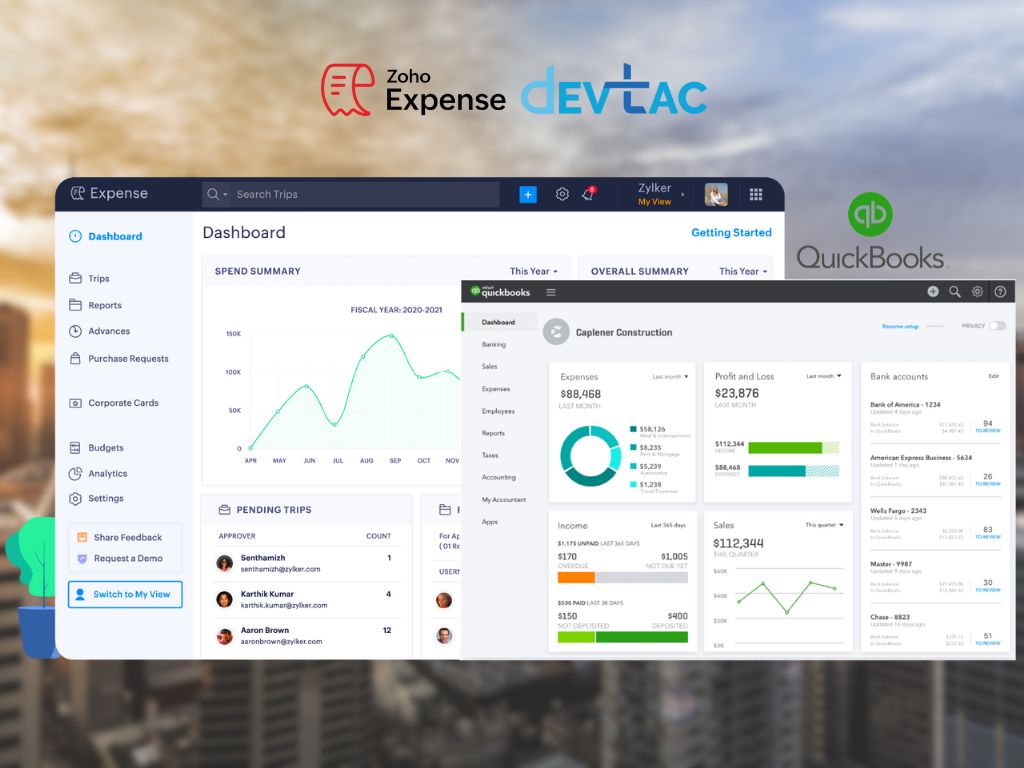
In the fast-paced world of business, every minute counts. Managing expenses efficiently is crucial for maintaining financial health and ensuring smooth operations. However, as organizations grow, so do the complexities of expense management. Thankfully, with the seamless integration of Zoho Expense and QuickBooks, businesses can now optimize their financial processes and empower their teams for success.
Understanding QuickBooks and Zoho Expense
QuickBooks stands as a cornerstone in financial management for small and medium-sized businesses. Its robust features facilitate income and expense tracking, invoicing, bill management, and insightful reporting. However, as businesses expand, so does the need for comprehensive expense management solutions.
Enter Zoho Expense – a comprehensive travel and expense automation software designed to streamline expense management processes. From capturing receipts to automating expense reports, Zoho Expense simplifies every aspect of expense management.
The Power of Integration
The integration between QuickBooks and Zoho Expense offers a synergy that enhances efficiency and accuracy across the board. Let’s delve into the key benefits:
- Easy Configuration: Configuring the integration between QuickBooks and Zoho Expense is a breeze. In just a few simple steps, users can enable seamless auto-sync, ensuring all data remains consistent across platforms.
- Data Accuracy and Compliance: With Zoho Expense, every step of the expense management process is meticulously tracked and synced with QuickBooks. From receipt capture to report submission, this integration ensures data accuracy, visibility, and compliance with regulatory standards.
- Comprehensive Expense Capture: Zoho Expense provides multiple avenues for capturing expense receipts, including autoscan through the mobile app, direct cloud upload, receipt forwarding via email, and web browser add-ons. This ensures that every expense is captured, facilitating faster closing of accounts.
- Corporate Card Reconciliation: Effortlessly map and match corporate cards between QuickBooks and Zoho Expense to synchronize transactions and update expenses automatically. This streamlines the management and tracking of credit card expenses across the organization.
- Simplified Business Travel: Zoho Expense simplifies business travel with self-booking options and centralized trip management. Employees can easily manage trip-related expenses, which are seamlessly synced with QuickBooks, eliminating manual entry and saving valuable time.
- Quick Reimbursements: Automated approval workflows in Zoho Expense expedite the reimbursement process, ensuring that employees are promptly reimbursed for expenses. Integrations with banks facilitate direct and timely reimbursements, with updates automatically recorded in QuickBooks.
- Enhanced Employee Experience: By leveraging Zoho Expense’s intuitive interface and QuickBooks auto-sync feature, employees enjoy a seamless and hassle-free expense management experience. They can submit expenses from anywhere, track real-time statuses, and access updated information with ease.
Conclusion
In today’s competitive landscape, optimizing business finances is non-negotiable. By integrating QuickBooks with Zoho Expense, organizations can streamline expense management processes, improve data accuracy, expedite reimbursements, and enhance the overall employee experience. With a few simple steps, businesses can unlock the full potential of this powerful synergy and focus on activities that drive growth and success.
Streamline your expense management today and discover the difference that integration can make. Learn more about the integration and set it up for your organization to maximize efficiency and elevate your financial operations to new heights.